Product image supplied by the brand
In this guide
Phone shopping runs on screens and cameras, the parts nobody can change later. The parts already in the house are the accessories, and they decide whether a new handset fits in on the first day or sends you back to the shops for earbuds with the right plug and a cable that keeps up.
Three lines on a spec sheet settle most of it: the connector, the maximum charging wattage and whether there is a microSD slot. Two products sold in Australia make the first two concrete. The third needs no product at all, only a look at the sheet before choosing storage.
The things in this guide
A closer look at the products, who they may suit, and what to check before buying.
EarPods (USB-C)
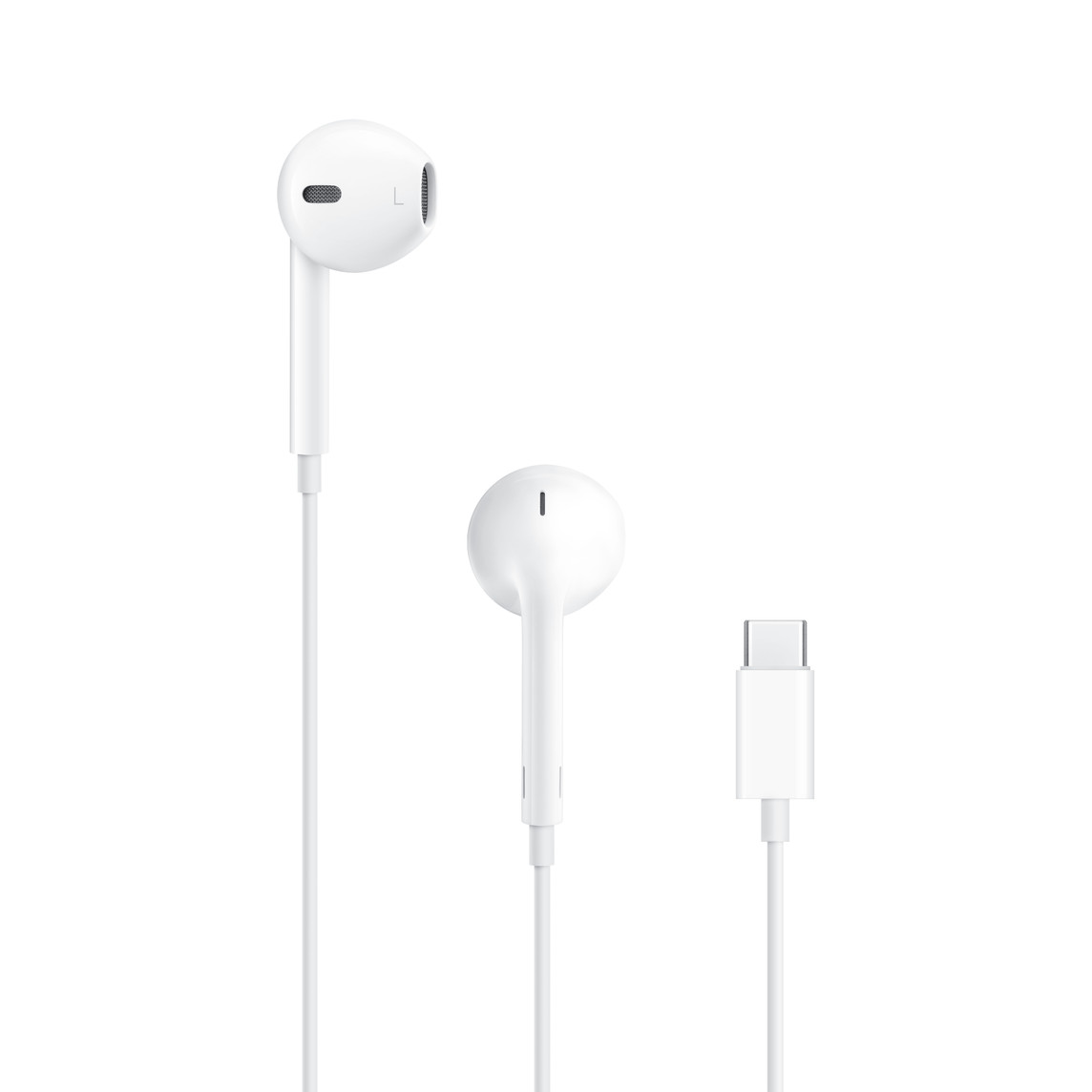
Apple Australia sells EarPods at A$29 with a Lightning connector, a 3.5 mm plug or USB-C, which makes A$29 the cheapest way to see what a port change costs every wired thing in the drawer.
Before you buy: Apple's compatibility list covers only its own USB-C Macs, iPads and iPhones, and its USB-C to Lightning Adapter costs A$49, more than new USB-C EarPods.
Price checked 5 November 2026. Retailer prices can change.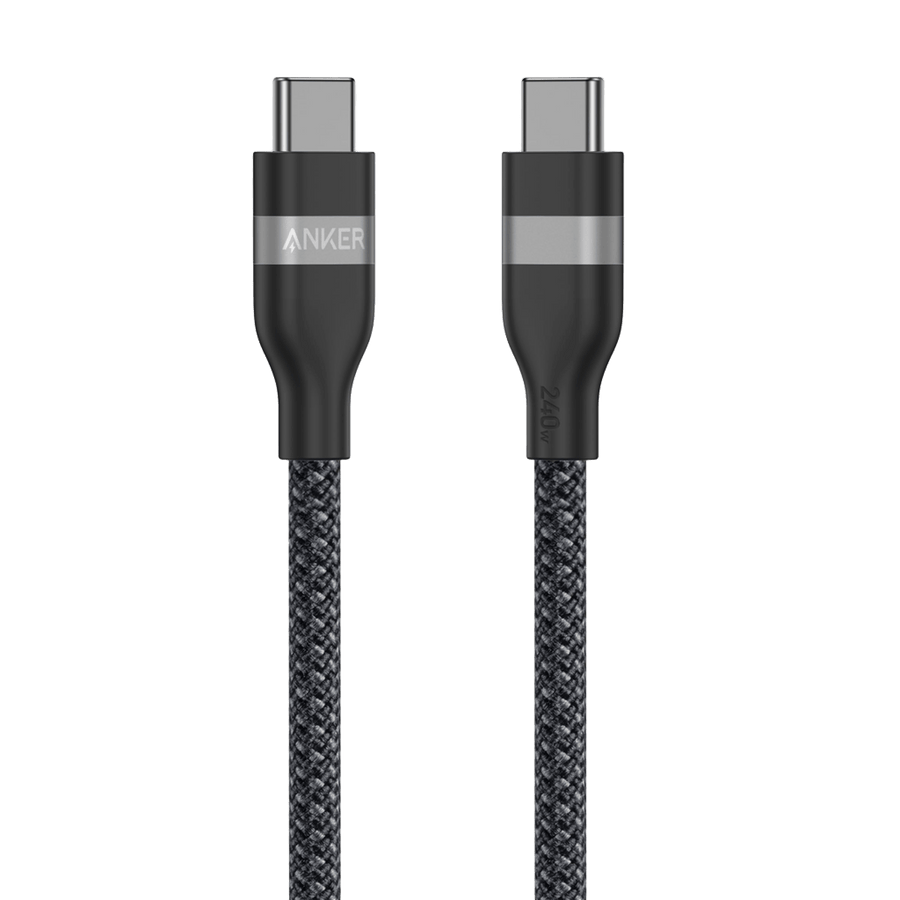
USB-C to USB-C Cable · 240W, Upcycled-Braided
Anker Australia's 91 cm A82E2 cable is A$24.95 and rated for 240 W, far beyond any phone, so the handset's own maximum decides how fast it charges.
Before you buy: Data runs at 480 Mbps and Anker says it does not support screen mirroring, so a phone that plugs into a monitor needs a different cable.
Price checked 10 November 2026. Retailer prices can change.Three accessory questions a phone answers before you ask
A new handset settles three things on the day it is bought: the plug every wired accessory must end in, the most power its battery will take, and whether storage can grow with a card or is fixed at the tier picked in the shop. Each is a single line on the specification sheet, and each turns into money in the week after the purchase.
Reading those lines first is the whole method. A matching port keeps the drawer of cables and earbuds useful. The charging figure tells you which cable you already own is enough. A card slot, or the lack of one, changes which storage tier is worth paying for. The sections below take them in that order.
The port: A$29 earbuds show what a connector change costs
Apple Australia lists EarPods in three versions, Lightning, 3.5 mm headphone plug and USB-C, each at A$29, and none plugs into the others' devices. The compatibility list for the USB-C version names Apple's own USB-C Macs on macOS Monterey 12.6 or later, iPads on iPadOS 16.4 or later and iPhones on iOS 17 or later; no other maker's phone appears on it.
Adapters exist, but they cost more than the earbuds. Apple's USB-C to 3.5 mm adapter is A$15, and its USB-C to Lightning Adapter, which passes audio from Lightning accessories, is A$49 against A$29 for new USB-C EarPods. Count the wired accessories before choosing a handset: a drawer full of one connector is either a reason to stay with it or a known bill if you move.
The charging rate: the phone's number decides, not the cable's
Anker Australia sells the braided A82E2 cable for A$24.95 in the 91 cm length, rated for 240 W. No phone draws anything like that. The charger and the phone agree on a rate between themselves, and the cable only has to be rated at or above it, so a handset that accepts 27 W charges at 27 W through this cable or through any other cable rated above that figure.
That makes the phone's maximum charging wattage the number to look up; any cable rated above it is already enough, and the 240 W rating is headroom for a laptop. The one case where this cable is the wrong buy is a phone that docks to a monitor, because Anker lists the data rate as 480 Mbps and states that the cable does not support screen mirroring.
The storage: look for a slot before choosing capacity
Many current phones have no microSD slot, and the specification sheet is the only place that says so plainly. On a phone with a slot, a card can stand in for the next storage tier up. On one without, the tier chosen at the counter is the tier you live with until the phone is replaced.
Read the storage line before the capacity line. If it says expandable, price the base model plus a card against the larger model, and note the largest card size the maker lists. If the sheet is silent, assume there is no slot and treat the storage tier as the entire decision.
When the accessories should not steer the choice
Ignore all of this when the old phone is the real problem: a cracked display, a battery that is flat by mid-afternoon, a camera someone in the house relies on. A few wired accessories cost little next to a handset that has stopped doing its job.
The storage question drops away for someone who keeps everything in a cloud account and has never filled a phone. The charging question drops away for someone who charges overnight, since a slower cable that is finished by morning makes no difference that person will ever notice.
How we put this together
Built from the product pages and listings below, without test scores or results we have not measured. Specifications and prices change, so check the original page for the exact model, current price, delivery, and returns.
- Apple Australia: EarPods (USB-C) (opens in a new tab)
- Apple Australia: USB-C to 3.5-mm Headphone Jack Adapter (opens in a new tab)
- Apple Australia: USB-C to Lightning Adapter (opens in a new tab)
- Anker Australia: USB-C to USB-C Cable (240W, Upcycled-Braided), A82E2 (opens in a new tab)