Product image supplied by the brand
In this guide
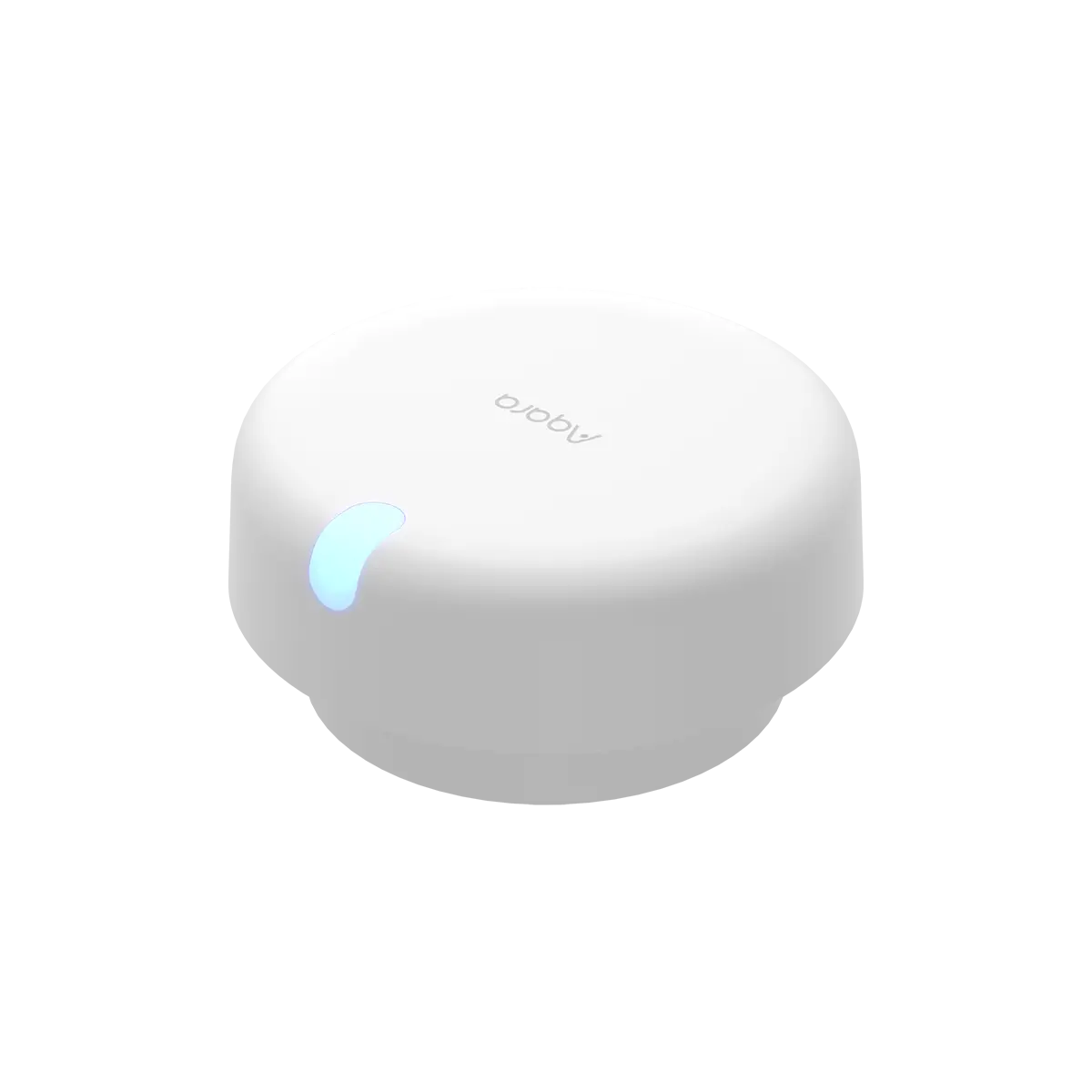
A passive-infrared sensor watches for movement. Sit still on the sofa for ten minutes and it reports an empty room, which is why so many lighting automations switch off while someone is reading. The Aqara Presence Sensor FP2 swaps that for a millimeter-wave radar that reports whether a person is there at all, and Aqara sells it in the US for $82.99, with the listing showing stock on 2026-10-18.
The trade is geometric. One FP2 covers a room of up to 40 square meters, roughly 430 square feet, but only inside a 120-degree cone that reaches 8 meters out and 6 meters across. It also wants constant USB power and a 2.4 GHz wireless link, and it asks you to draw the room and mark curtains and fans before any automation behaves.
Our verdict
Buy the $82.99 FP2 for one room you can draw on a floor plan and power from a nearby outlet. Its value is presence rather than motion, and the 6-to-30-second delay is part of the deal.
- A good fit for
- A household already running smart lights or a smart plug, with one room under 40 square meters, router coverage on 2.4 GHz, and a free USB outlet within reach of the wall or ceiling mount.
- We would skip it if
- You need more than one room covered, your router is 5 GHz only, you cannot leave it plugged in, or you want a medical fall alarm rather than a notification.
Reasons to consider it
- Reports presence instead of movement, so a still person keeps the zone occupied.
- Splits one room into up to 30 zones on a 320-cell plan, with a separate automation for each zone.
- Exposes its zones to HomeKit, Alexa, Google Home and Home Assistant without an Aqara hub.
- IPX5 rating allows a bathroom installation, with a waterproof adapter and outlet.
The compromises
- Wall mounting sees 120 degrees, 8 meters out and 6 meters wide; beyond that it is blind.
- Presence to absence takes 6 to 30 seconds of continuous non-detection by the manual's account.
- Local automations need a hub that supports them over Wi-Fi, despite the listing's offline claim.
- Edges and interference sources have to be marked by hand, with people and pets out of the room.
What we have not verified: Aqara publishes no dimensions or weight for the sensor, so its fit on a narrow wall plate is unknown. Whether ceiling screws hold in drywall without a stud is also unaddressed, and the hub requirement for local automation reads differently in the listing's copy and in the manual.
The things in this guide
A closer look at the products, who they may suit, and what to check before buying.
Presence Sensor FP2
A radar sensor that holds a zone occupied while someone sits still, splits a room into 30 zones, and reports into HomeKit, Alexa, Google Home or Home Assistant without an Aqara hub.
Before you buy: One 120-degree cone per room, constant USB power, a 6-to-30-second absence delay, and local automations that still want a hub.
Price checked October 18, 2026. Retailer prices can change.What changes when the sensor stops watching for motion
The difference shows up in the least dramatic moments: reading, working at a desk, watching a movie. A PIR sensor sees a still body as nothing, so the automation has to choose between turning the light off and staying on all evening. The FP2 reports presence from radar returns, which is why Aqara can promise coverage without a camera and still keep a person counted while they sit.
It is not instant, and the manual is explicit about the delay. Going from presence to absence ordinarily takes 6 to 30 seconds of continuous non-detection, and an automation that waits for absence to hold for a while defaults to 10 minutes. A hallway can live with that. In a living room, an automation that fires on the first absence report switches the light off while someone fetches a cup of tea, which is what the 10-minute wait is for.
Forty square meters, inside a 120-degree cone
Start with the coverage number. Wall-mounted, the sensor looks 8 meters out and 6 meters wide, with a 120-degree horizontal field and blind spots beyond it. A long narrow room fits. An L-shaped one does not, at least not with one sensor, and the radar does not see through the corner.
Ceiling mounting is for fall detection rather than coverage. At an installation height of 2.8 meters Aqara's figures put the fall-detection radius at 2 meters, a circle roughly 12.5 square meters under the sensor, and the mode is unavailable in any other position. Aqara also says the fall alert is a notification rather than a diagnostic device, and warns that slow tumbles and falls beside a wall may be missed while falling objects can trigger false alerts.
The installation is a floor plan, not a pairing
The map is what makes the automation work, not the pairing. It is a 16 by 20 grid of half-meter cells, up to 30 named zones, and two kinds of marking that exist only to prevent false positives. Edge areas stop targets being created outside the room, and interference sources stop curtains, fans, plants and hanging clothes from counting as people.
Aqara's instructions call for those marks to be made with people and pets out of the area, which turns setup into a job done in an empty room rather than something you finish while unpacking. Aqara supplies 11 templates and 16 sticker types, and applying a template deletes the existing area layout, so the order is template first, then zones, then automations.
The hub sentence the page and the manual disagree on
Aqara's page description advertises “local automations without the need for an Aqara hub,” and the body copy adds that the automations keep working without internet. The manual's first page says something narrower: the device requires the Aqara Home app, and local automation requires a hub that supports local automation over Wi-Fi.
Read literally, a house without such a hub runs its automations in the cloud, so an internet outage stops them while the radar keeps sensing. Per Aqara's global page, local automations run without the cloud only with other Aqara or Apple Home-compatible devices, which is the route for a house with an Apple home hub and no Aqara one.
One cable, twelve months, no dimensions
The FP2 is a wired device. A cable ending in a USB-C plug at the sensor feeds it from an adapter or outlet, and the manual's mounting advice assumes the cable can reach: a metal plate and sticker below 2 meters, screws above. Aqara rates the housing IPX5, so a bathroom works, provided the adapter and the outlet are themselves protected from water.
Coverage runs 12 months from delivery for a sensor bought on Aqara's US store, is not transferable, and excludes misuse, disassembly, and damage from excessive heat or liquids. The page never states the sensor's dimensions or weight, and the manual has no specification table, so anyone mounting it on a narrow trim or a rental wall is buying without those numbers.
When a motion sensor is the better buy
Skip the FP2 if the job is a hallway, a closet or a stair, where nobody lingers and a cheap PIR sensor's instant trigger is the right behavior. Skip it if the room is larger than the cone or shaped around a corner, since a second FP2 costs another $82.99 and a second map. Skip it if the only Wi-Fi in reach is 5 GHz, or if the outlet sits on the far side of the room from where the sensor has to look.
Buy it when one room, one outlet and one floor plan buy you the thing a motion sensor cannot do: a light that stays on while somebody sits still, and goes off once the room has stayed empty as long as you set. The promise is narrow, and $82.99 is a fair price for it only in a house that already has the lights and the network to use it.
How we put this together
Built from the product pages and listings below, without test scores or results we have not measured. Specifications and prices change, so check the original page for the exact model, current price, delivery, and returns.
- Aqara: Presence Sensor FP2 product listing (US store) (opens in a new tab)
- Aqara: Presence Sensor FP2 user manual (PDF) (opens in a new tab)
- Aqara: Warranty Policy (US store) (opens in a new tab)
- Aqara: Presence Sensor FP2 product page (global) (opens in a new tab)