Product image supplied by the brand
In this guide
The price on the box is the part of a kid's device that a parent can see. What comes after it is harder to read: a printer that eats film by the sheet, a speaker whose charging lead is missing from the carton, a keyboard that runs on cells from the kitchen drawer, headphones whose settings live inside an app on somebody's phone. None of that is hidden, exactly, but it sits in support pages and footnotes where nobody looks on the day of the purchase.
This guide takes four devices already covered in single-product reviews on this site and reads only that second layer. For each one the question is the same: what does the maker say the owner must keep buying, keep charged, keep installed or keep signed into, and what does that add to the first year? Where a maker publishes a figure, it is quoted; where it does not, the blank is reported as a blank.
The things in this guide
A closer look at the products, who they may suit, and what to check before buying.
Instax Mini Link 3 Smartphone Printer
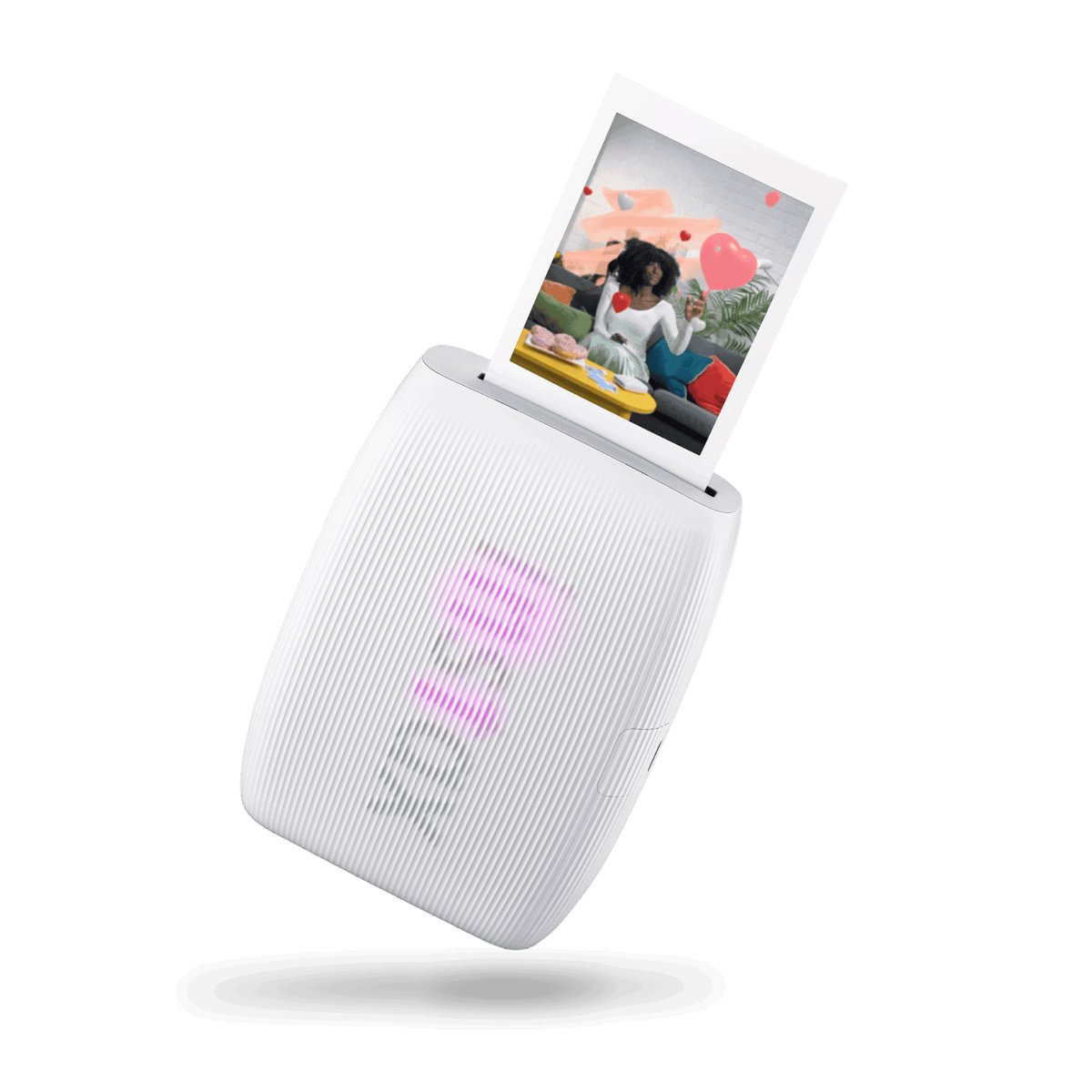
The $116.95 mini Link 3 prints from a phone onto instax mini film that Fujifilm lists at $23.99 for 20 sheets, so a pack a month puts the first year of film at $287.88, more than twice the printer, and the free instax mini Link app is mandatory.
Before you buy: A single phone at a time can be paired, Android needs location permission to find the printer, and the AR studio needs ARCore, so the parent's phone is part of the kit whether or not the parent wanted it to be.
Price checked September 11, 2026. Retailer prices can change.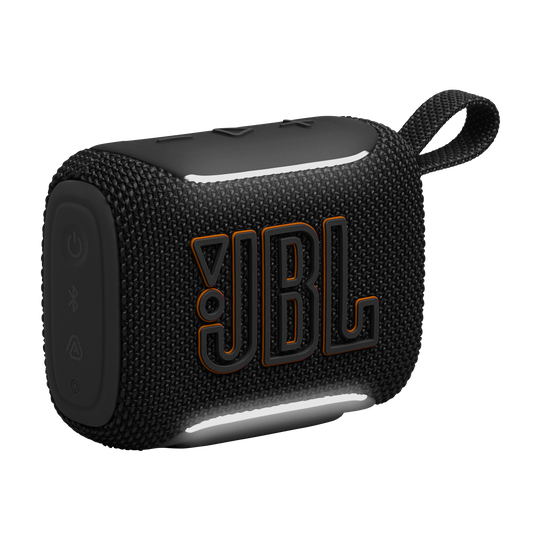
Go 5 Portable Speaker
JBL's $44.95 Go 5 lists a Type-C input, a 3.85 Wh cell rated for 8 hours of play and a 3-hour charge, and its carton list ends with the words USB cable not included, so the first accessory is a lead the household has to supply.
Before you buy: Firmware updates go through the JBL Portable app, and JBL's own support notes say that app is being migrated to JBL ONE, so the software the speaker depends on is in the middle of a change the buyer does not control.
Price checked September 10, 2026. Retailer prices can change.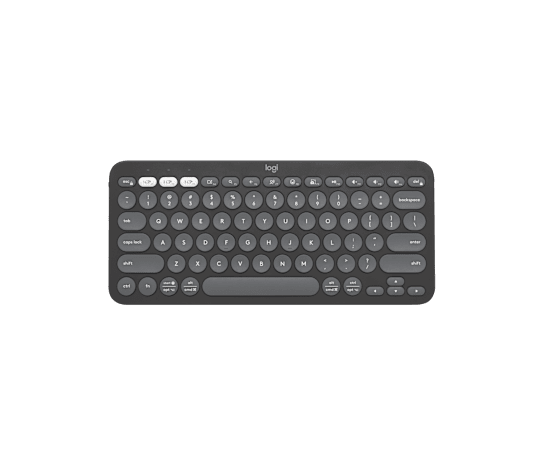
Pebble Keys 2 K380s
The $33.99 Pebble Keys 2 K380s runs on two AAA alkaline cells that Logitech's setup guide rates at up to 36 months, pairs to three devices from a button, and needs no software at all unless someone wants to remap keys.
Before you buy: The optional Bolt dongle is not in the box, Logi Options+ is a desktop install on each computer that uses it, and the 36-month figure is a Logitech estimate with no stated test condition.
Price checked September 10, 2026. Retailer prices can change.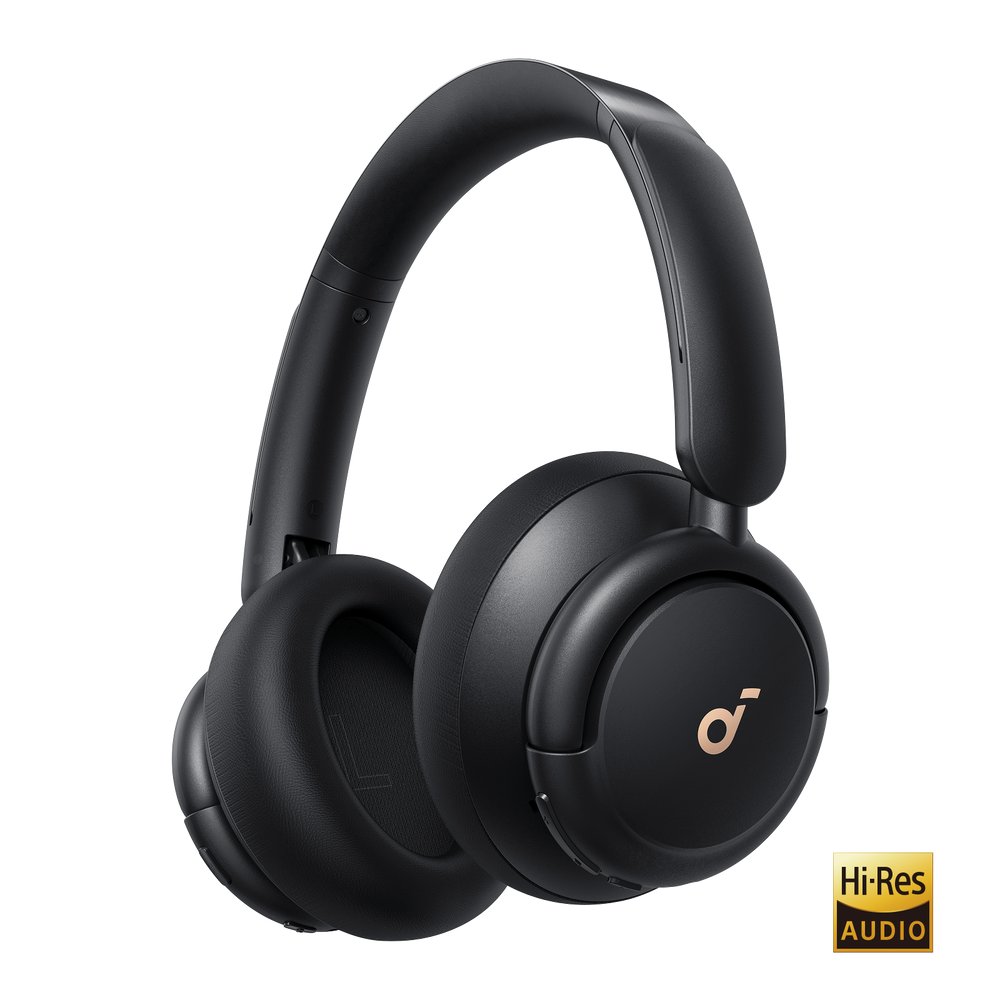
Soundcore Life Q30 Headphones
At $79.99 the Life Q30 has physical buttons for noise cancelling and Transparency, so the soundcore app is an extra for EQ and modes, not a requirement, and Anker's policy page lists an 18-month warranty on headphones.
Before you buy: The FAQ answers the question of use while charging with a single word, No, and the codec list stops at SBC and AAC; whether the app needs an account was not published on the page fetched.
Price checked September 11, 2026. Retailer prices can change.Every device ships with a second list, and the maker writes it in the footnotes
Four products, four different kinds of dependency. Fujifilm's printer page says in plain words that instax mini film is required and sold separately. JBL's carton list for the Go 5 closes with a parenthesis noting that the USB cable is not included. Logitech's setup guide for the K380s gives the battery type and an expected life. Anker's FAQ for the Q30 answers a charging question with one word. All of those lines are short, all are easy to miss, and every one shapes what the household will be doing with the device six months after the wrapping paper is gone.
The useful way to sort them is by what the line asks for. Film is a consumable with a maker price, so its cost can be computed. A missing cable is a one-time gap with no maker price, so it is a finding, not a figure. Alkaline cells are a consumable on a multi-year cycle. An app is a dependency on a phone, an operating system version and, in JBL's case, on a migration the company is running between two apps. The rest of this guide takes them in that order, from the most expensive layer to the one that costs nothing but attention.
The printer: film is the subscription, and the app is the login
Fujifilm lists the mini Link 3 at $116.95 and the mini twin pack at $23.99 per 20 sheets, which is just under $1.20 a print. The printer holds about 100 prints per charge according to Fujifilm, and 100 prints of film cost $119.95, so a single full battery's worth of output already costs more than the machine. At a pack a month the film bill for a year is $287.88; at a pack every two months it is $143.94. Those are the two numbers a parent should hold next to the $116.95, because the printer is the one purchase in this guide whose running cost can be written down from maker prices alone.
The app is the second dependency, and Fujifilm's support FAQ is direct about it: the printer requires a free download of the instax mini Link app, and only one smartphone can be connected at a time, so switching to a second phone requires unpairing the first; Android users must grant location permission before the app can find the printer over Bluetooth, and the instax AiR Studio feature will not run on Android phones without ARCore. For a child too young to carry a phone, all of that lands on a parent's handset. Reprint data is deleted when the printer is switched off, so the last print is gone from the device the moment a kid turns it off. Nothing on either Fujifilm page fetched mentions an account or a sign-in, so that particular layer appears to be absent, though its absence is inferred from silence.
The speaker: a cable JBL left out, and an app JBL is replacing
JBL's specs for the $44.95 Go 5 list a single Type-C input, a Li-ion cell of 3.85 Wh, a 3-hour charge time and 8 hours of maximum playing time. The carton list reads: one Go 5, one quick start guide, one warranty card and safety sheet, and then, in parentheses, USB cable not included. A speaker rated for eight hours needs a charge roughly every second afternoon of heavy use, and the household has to provide the lead that does it. JBL's own support note on USB audio recommends an A-to-C or C-to-C lead shorter than 1.2 m, which is the only guidance on the page about what to buy. No maker price for that lead was found, so the cost of the gap is unknown here.
The app layer is more interesting than the cable. JBL's copy names the JBL Portable app as how the owner personalizes the speaker, and its support notes say firmware updates are installed through that same app; the release notes on the page show speaker firmware 26.27.10 dated August 2026. A separate support entry announces that JBL has migrated many products from the Portable app to a JBL ONE app and advises owners who see a notification to move across. For a parent, that means the app a child's speaker relies on is in transition, and the phone that holds it will at some point be asked to switch. Whether either app needs an account was not stated on the page, so it is recorded as unknown.
The keyboard: two AAA cells every few years, and software only if you want it
Logitech's setup guide for the $33.99 Pebble Keys 2 K380s is the most self-contained document in this set. Battery information: two AAA alkaline cells, expected life up to 36 months. First use begins by pulling a tab from the keyboard, which indicates cells are fitted at the factory. Pairing to a tablet, a laptop or a phone happens from the Easy-Switch button with three channels, and the guide lists Windows, macOS, iPadOS, iOS, Android, Chrome OS and Linux as Bluetooth targets. A Bolt dongle is an optional route that needs a USB-A socket and is bought separately; it ships only with the Pebble 2 combo.
Logi Options+ is the software layer, and it is optional. The guide uses it for remapping the ten shortcut keys, for app-specific key behavior, and for battery warnings on the desktop; without it the keyboard still types, and the status LED turns red when the cells are low. For a kid's homework tablet none of that is needed. The consumable cost is two alkaline cells on a cycle Logitech puts at up to three years, a figure with no published test condition and, per the single-product review of this keyboard, one that Logitech's own support fields do not state consistently. Even so, it is the only device in this guide whose entire after-sale layer fits in a kitchen drawer.
The headphones: an app that is optional, a charging rule that is not
Anker's page for the $79.99 Life Q30 answers the app question in its FAQ: yes, the Q30 is supported by the soundcore app, listed under the Life series, and the app is where the owner selects a noise cancelling mode, chooses from 22 EQ presets or builds a custom one, and tailors a white noise soundscape. What matters for a teenager's pair is that the same FAQ describes a physical NC button on the earcup for the three cancelling modes and Transparency, so the app is an enhancement, not a gate. A pair handed over without the app installed still cancels noise and still switches modes. The page fetched did not state whether the app requires a soundcore account, so that is left open.
The rule that is not optional is charging. Asked whether the Q30 can be used while charging, the FAQ answers No, and adds that a full charge takes about 2 hours, that playtime with ANC on is 40 hours at 60% volume, and that a 5-minute charge yields 4 hours. For a teen who listens at a desk with the headphones plugged in, that single word rules the product out; for one who charges overnight and listens on a bus, 40 hours means a charge every week or two. There is no consumable, no cable in the carton beyond the AUX lead the FAQ mentions, and coverage runs 18 months on headphones per Anker's warranty table, the longest term any maker in this guide states.
When the second list is the reason to say no
Skip the printer if the household will not budget for film as a line item. At $23.99 a pack the running cost passes the $116.95 hardware in the first hundred prints, and a printer that sits empty because nobody reordered is a $116.95 paperweight with an app on a parent's phone. Skip the Go 5 if there is no spare Type-C lead in the house and nobody wants to buy one, or if the idea of an app migration landing on a kid's speaker mid-year is more friction than the lighting is worth.
Skip the Q30 for a kid who listens plugged in at a desk, since Anker's FAQ closes that use with one word. And skip the K380s only if the child's device has no Bluetooth, because on every other count it is the device in this guide with the shortest second list: two cells, one button, no app unless somebody wants one. For a first device, that shortness is a feature in its own right.
How we put this together
Built from the product pages and listings below, without test scores or results we have not measured. Specifications and prices change, so check the original page for the exact model, current price, delivery, and returns.
- Fujifilm instax US: instax mini Link 3 printer page (opens in a new tab)
- Fujifilm instax global: instax mini Link 3 support FAQ (opens in a new tab)
- Fujifilm instax US: mini Twin Film Pack (opens in a new tab)
- JBL: Go 5, Black (JBLGO5BLKAM) (opens in a new tab)
- Logitech Support: Getting started, Pebble Keys 2 K380s (opens in a new tab)
- Logitech: Pebble Keys 2 K380s, Tonal Graphite (opens in a new tab)
- soundcore: Q30 Bluetooth Noise Cancelling Headphones (A3028011) (opens in a new tab)
- soundcore: Refund policy and warranty table (opens in a new tab)