Product image supplied by the brand
In this guide
Computer buying guides start from the processor, which is the part of a desktop nobody touches. What people touch is a mouse, a keyboard and, less often than they expect, a printer, and those three objects survive several computers each. A new machine has to fit them, not the other way round.
This guide is not a computer review. It takes three peripherals we have already reviewed and reads each one for what it demands of the box it is plugged into: a wireless standard, a spare USB port, a cable run of a few feet. Those demands are cheap to satisfy when they are known in advance and awkward when they are discovered after the purchase.
The things in this guide
A closer look at the products, who they may suit, and what to check before buying.
M720 Triathlon Mouse
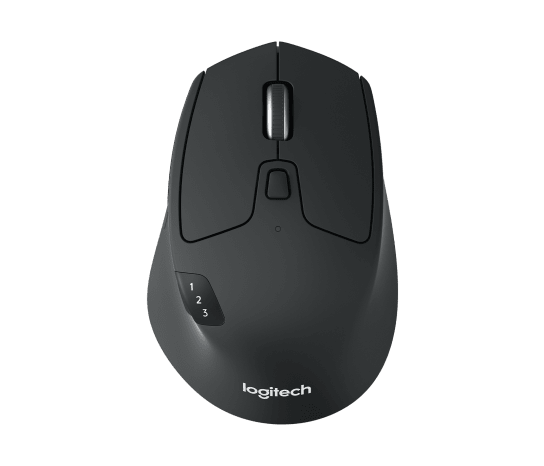
Logitech's M720 Triathlon at $44.99 pairs with three devices over Bluetooth or a Unifying receiver, which means a new desktop either needs Bluetooth built in or gives up a USB port to the receiver permanently.
Before you buy: It is a right-handed shape, and our review of it turns on whether the extra buttons get used. As a probe for the computer, the question is only which of its two connections the new box supports.
Price checked September 10, 2026. Retailer prices can change.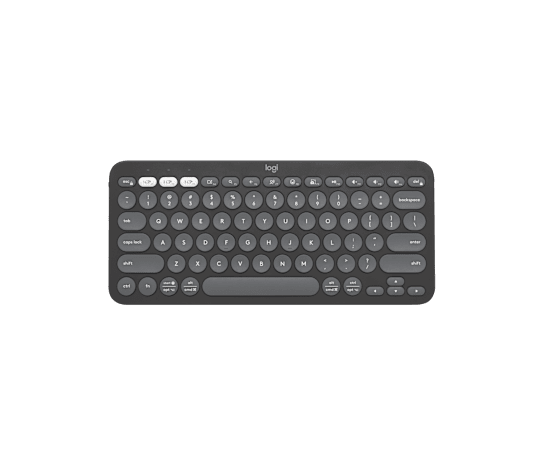
Pebble Keys 2 K380s
The Pebble Keys 2 K380s at $33.99 pairs with three devices on two AAA batteries, and Logitech sells its receiver separately, so on a desktop without Bluetooth the keyboard costs more than its listing.
Before you buy: It is compact and shared-use by design. Someone who types all day on a full layout should keep that layout and treat this as the probe it is here: does the box have Bluetooth, or does it need a receiver bought on the side.
Price checked September 10, 2026. Retailer prices can change.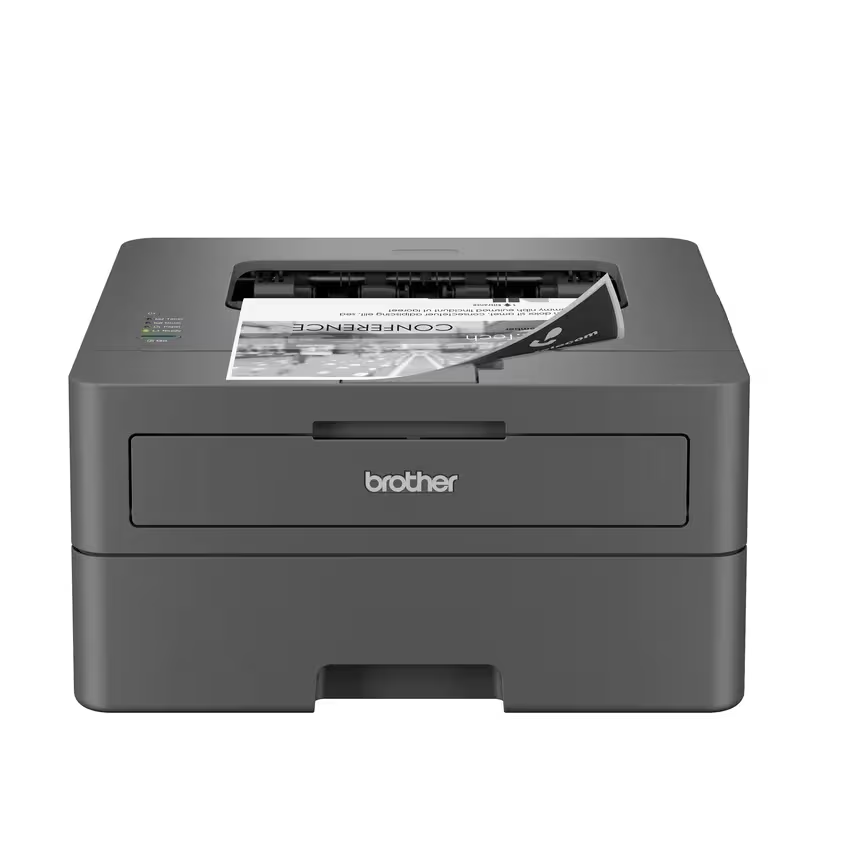
HL-L2400D Monochrome Laser Printer
Brother's HL-L2400D at $134.99 connects over USB 2.0 and only that, ships without the cable, and prints 32 pages a minute with automatic duplex, which is a fine printer that dictates where the computer goes.
Before you buy: No Wi-Fi means no printing from a phone or a second machine without a shared host. The consumables are the larger cost, and the replacement drum is priced above the printer itself.
Price checked October 4, 2026. Retailer prices can change.The peripherals outlive the computer, so they get to vote
A mouse and a keyboard are replaced when they break, which is rarely; a printer is replaced when its consumables stop being sold. A computer is replaced on a shorter cycle than any of them. That makes the peripherals the fixed points of a desk, and a new machine the variable, which reverses the order most buying guides assume.
Reading the peripherals first produces a short list of requirements that a specification sheet either meets or does not: built-in Bluetooth or a free USB port for a receiver, a second free port for a wired printer, and a placement within a cable's reach of it. Not one of those appears in a processor comparison and all of them decide whether the first evening with a new computer is spent working or spent shopping for adapters.
The mouse: two ways to connect, and the box supports one or both
Logitech's M720 Triathlon is $44.99 and pairs with up to three devices, switching between them, over either Bluetooth or Logitech's Unifying receiver. As a mouse our review judges it on whether its extra buttons earn their place. As a probe for a computer purchase it asks one question: does the new machine have Bluetooth, or will the receiver occupy a USB port for the life of the desk.
Desktops vary on exactly this point, and the answer changes the shopping list. A machine without Bluetooth needs a receiver in a port, which is fine until the ports run out, and a small desktop can run out at two. A machine with Bluetooth frees the port and lets the mouse switch to a laptop or tablet on the same desk. The mouse is the same in both cases; the computer decides which experience it delivers.
The keyboard: a receiver that is not in the box
The Pebble Keys 2 K380s lists at $33.99, pairs with three devices, runs on two replaceable AAA batteries, and Logitech sells its receiver separately. On a desktop with Bluetooth that is a complete keyboard at the listed price; on one without, it is a keyboard plus a receiver plus a port, and the listing did not mention the second two.
This is the same question as the mouse asked from the other direction. A household choosing a computer for a desk that already has this keyboard should check for Bluetooth on the specification sheet and count it as a required feature, not a convenience. If the new box lacks it, budget the receiver and the port, and notice that the mouse and keyboard together may want two receivers or one shared Unifying device, which is a detail Logitech's pages answer and a computer's page does not.
The printer: a USB-only device dictates where the computer sits
Brother's HL-L2400D is $134.99, prints 32 pages a minute with automatic duplex, and connects over Hi-Speed USB 2.0 with no Wi-Fi, no Ethernet and no cable in the box. Brother lists Windows and Linux drivers and routes macOS through AirPrint. A printer that only speaks USB is a printer that must sit within a cable of the computer, which turns a peripheral into a floor plan.
For a desktop that is fine, and it may even be the point: one machine, one printer, one cable, nothing on the network to configure. For a household that expected to print from a phone or from a laptop on the sofa, it is a constraint that no computer purchase fixes. The decision, then, is whether the new computer will be the printer's only host, and if the answer is no, the printer is the peripheral that has to change, not the box.
When the peripherals should be replaced with the computer
Skip this reading when the peripherals are the problem. A mouse whose buttons have failed, a keyboard with a worn key, or a printer whose consumables have been discontinued should not steer a computer purchase; replace them alongside it and choose the machine on its own merits.
Pass on it as well for a laptop-only household. A laptop carries its own keyboard and trackpad and connects to a printer over whatever it has, and the three questions here collapse to one, whether there is a spare port. The peripheral-first method is for a desk with a box under it, where the peripherals are the part of the setup that stays.
How we put this together
Built from the product pages and listings below, without test scores or results we have not measured. Specifications and prices change, so check the original page for the exact model, current price, delivery, and returns.
- Logitech: M720 Triathlon (opens in a new tab)
- Logitech: Pebble Keys 2 K380s (opens in a new tab)
- Brother: HL-L2400D (opens in a new tab)